Building owners and managers
Keep a clear record of the cables and equipment in your building. We can document the site in person or work from your existing drawings, so you have information to share with staff and service providers.
Know your building. Find what you need.
RackLume brings your floor plans, network closets, cables, and equipment into one shared map. Look up a labeled wall port, find its recorded connection, and keep service information with the building. Start with Free Edition, or ask us to help document your site.
Who this is for
Whether you manage an office or lead a service crew, RackLume helps your team find and maintain building information. We can help you choose a tier.
Keep a clear record of the cables and equipment in your building. We can document the site in person or work from your existing drawings, so you have information to share with staff and service providers.
Give the office and field crew access to the same building records. Choose Cable Pro, Electric Pro, MSP, or Advanced to suit your work, with job and invoicing tools available in the relevant tiers.
Create an account and confirm your email to start with one building. You can also explore Harborline, our fictional demo building, before adding your own information.
Start here
Create an account, confirm your email, and sign in with the same account across supported devices. No credit card is required. Paid subscriptions are invoiced separately.
1
Free Edition includes one building with closets, floor plans, cameras, phones, and Lens. Additional buildings cost $30 per month on a paid tier. Building documentation is a separately quoted service.
5
Free Edition supports up to five computers on your building map. Compare paid tiers when you need to document more computers or add tools for your work.
$99
Cable Pro and Electric Pro each start at $99 per month for the office subscription, plus $35 per named field user. Electric + Cable Pro combines both for $149 per month, plus $50 per named field user.
The problem
Cable records, equipment lists, and service notes are easier to use when they are kept together. RackLume connects those records to your floor plans and labeled wall ports. Lens displays recorded labels in a camera view using your selected position on the plan, helping you relate the records to the space around you.
On the phone
Start with a shared map of one building. Paid tiers add tools for cabling, electrical work, IT support, and customer invoicing according to the tier you choose.
Search for the label on a wall plate to view its recorded cable path, closet connection, equipment, and cable length.
Open a pin on the floor plan to view the records associated with that location.
View the recorded connections between wall ports, patch panels, and switches in your network closets.
Use building-specific lists to find cameras, phones, and other equipment without searching through separate files.
Add computers to the building map alongside their recorded locations and connections. Free Edition supports up to five mapped computers.
Select your position on the floor plan and use the camera view to see recorded labels. Lens uses your building data; it does not identify or test cables.
Compare the tiers for your team, or ask about our building documentation service if you need help getting your records into RackLume.
Compare tiersGallery
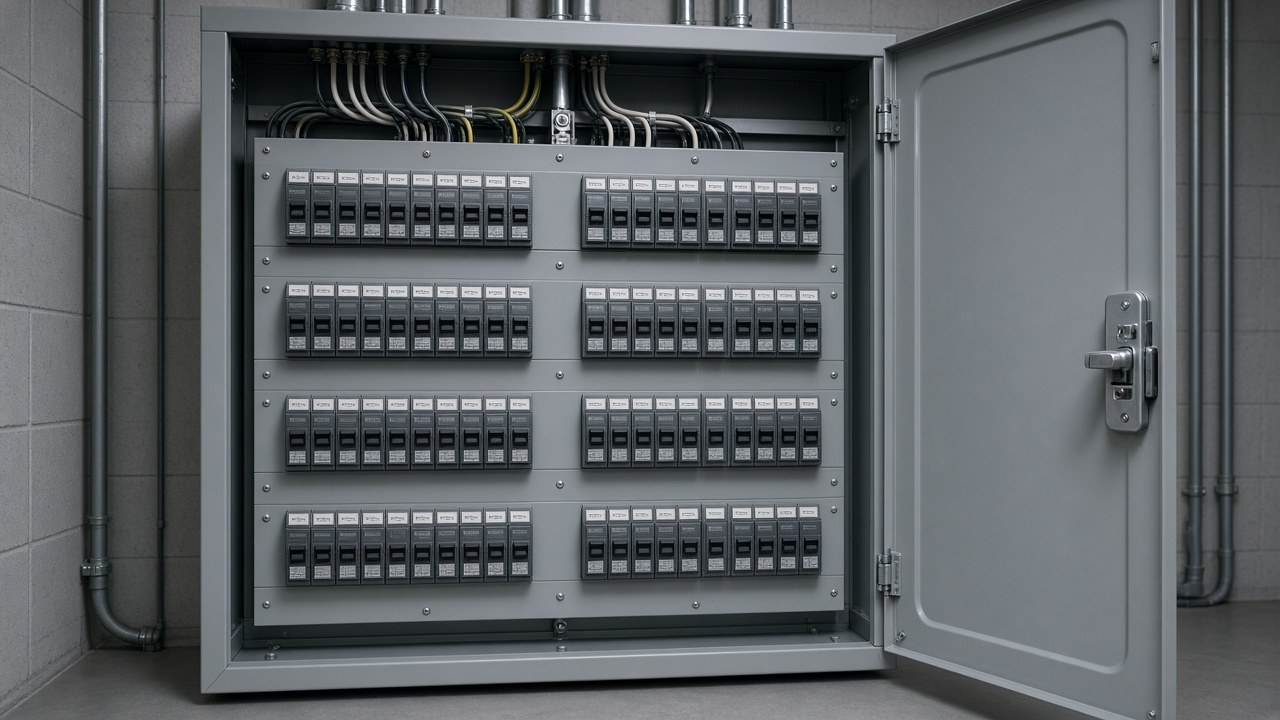
Explore the closets, electrical panel, and floor plan in Harborline, our fictional demo building. You can also print a sample closet and panel sheet.
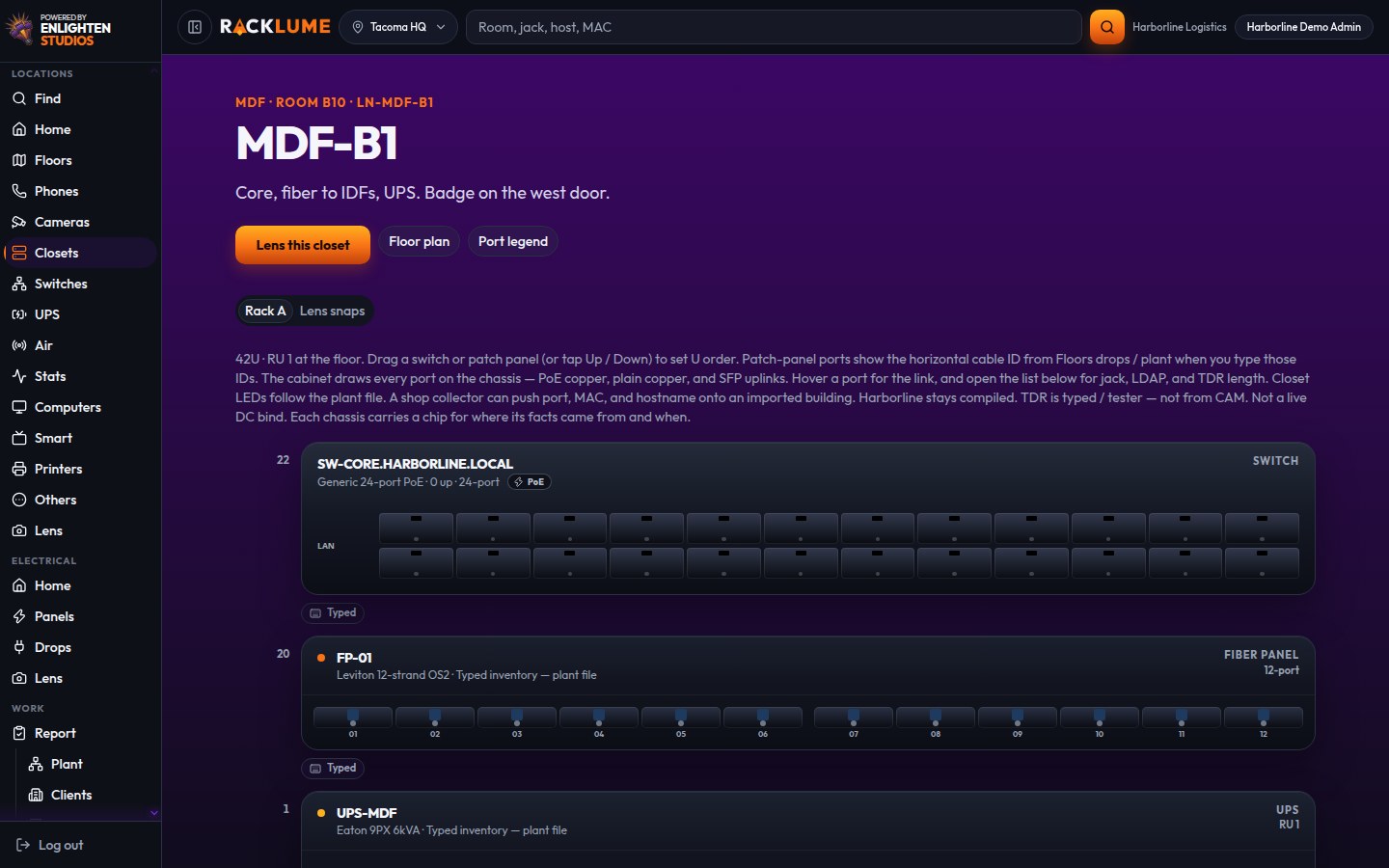
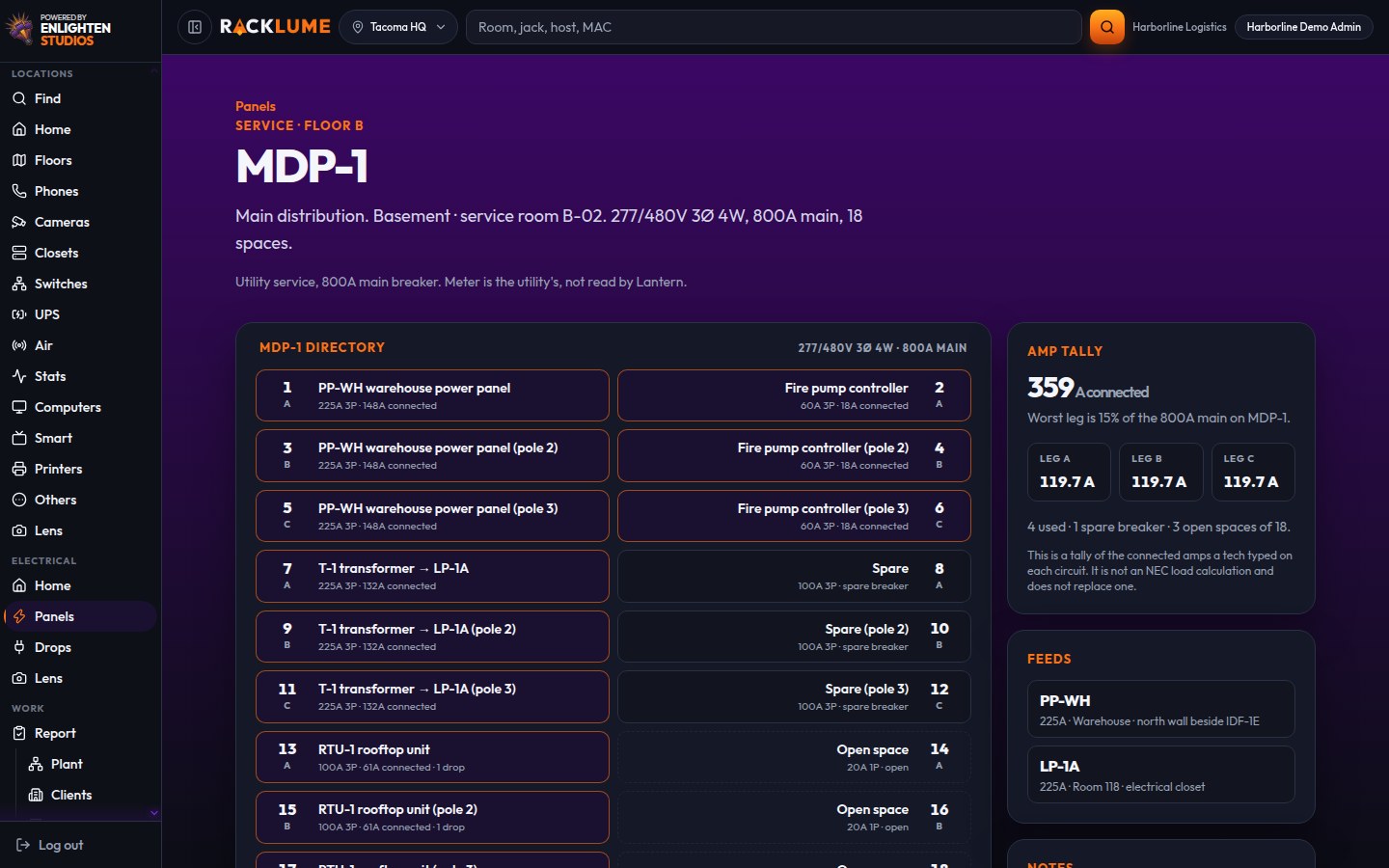
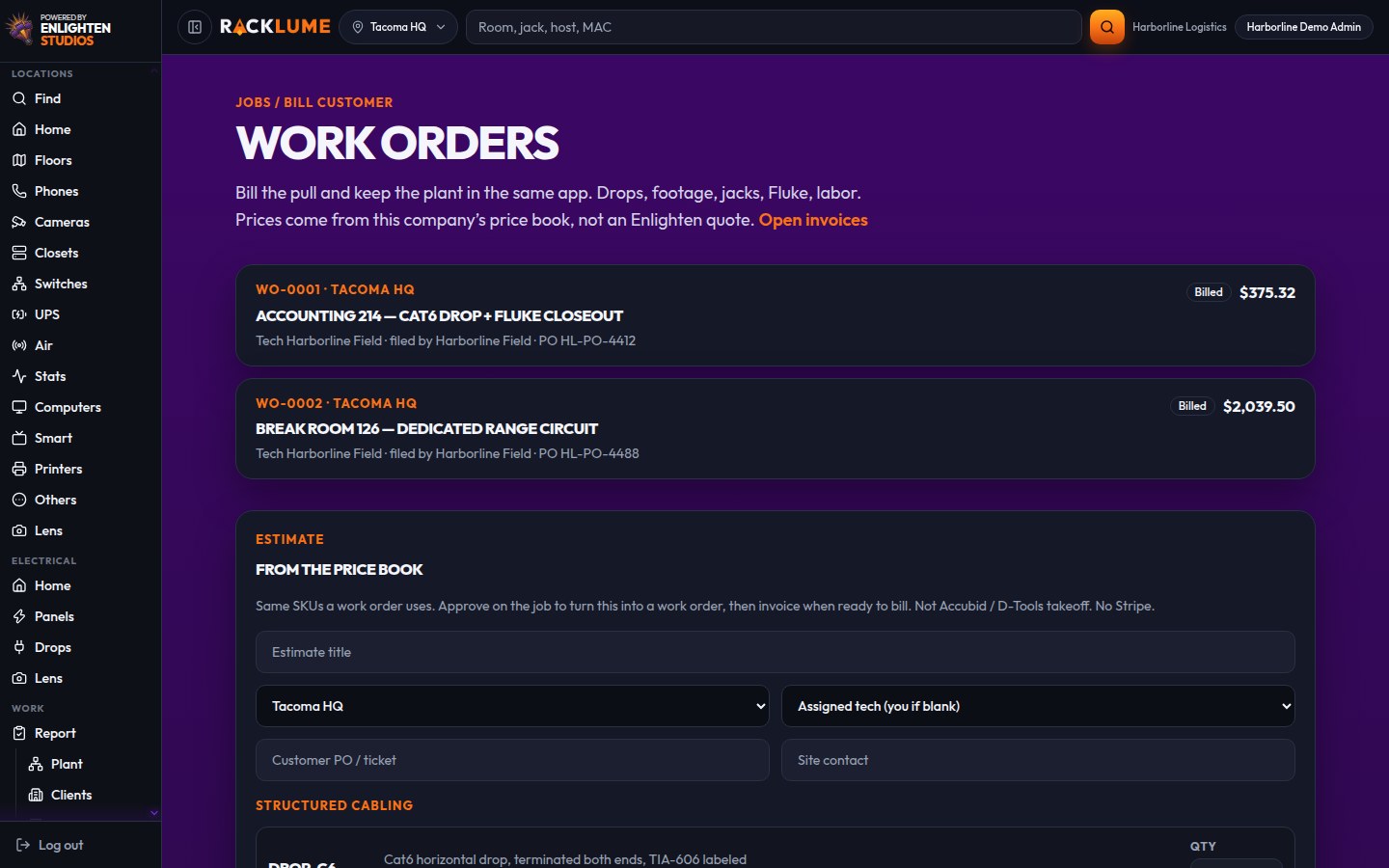
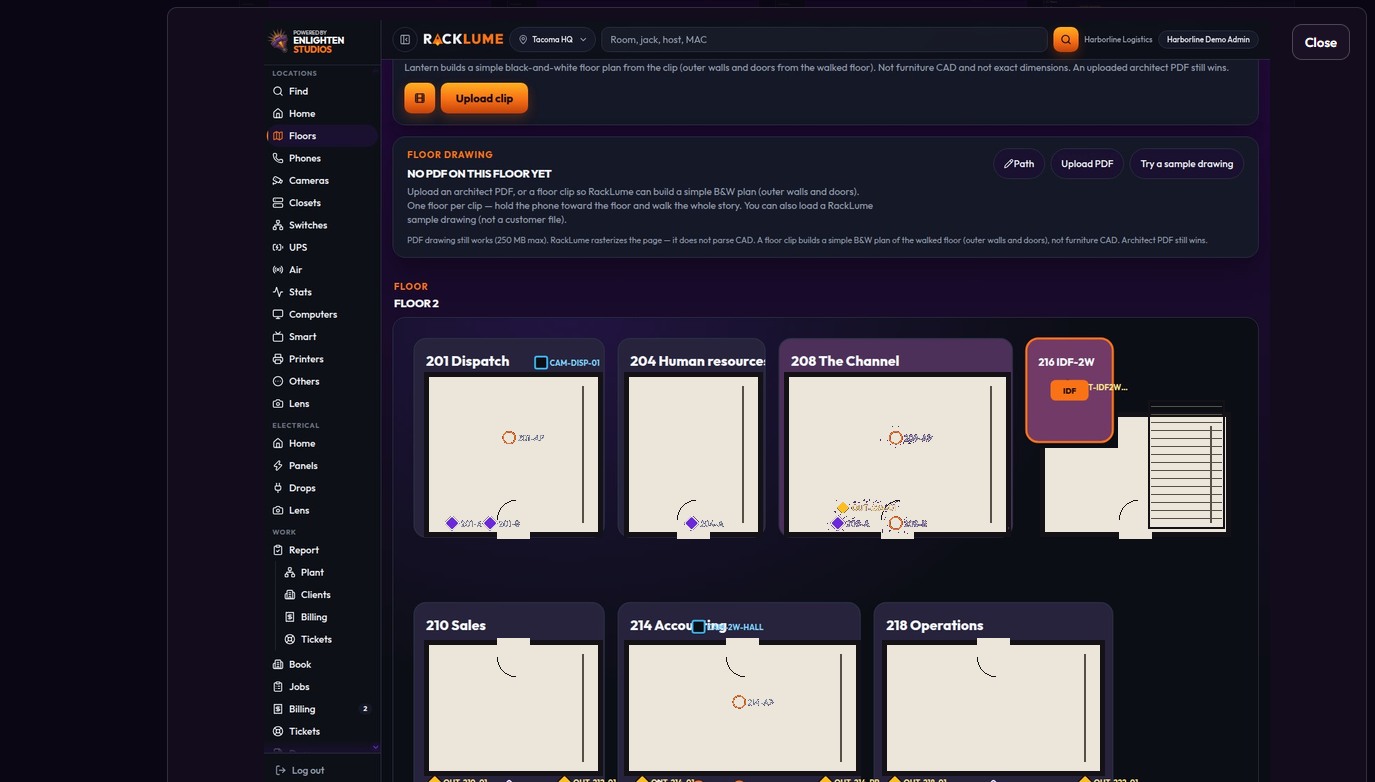
Sign in to the demo to explore Floor 2, review a network closet, and print a sample sheet. Harborline contains fictional training data; your own building records are added separately.
Open the demoSign up and confirm your email to start with one building and up to five mapped computers. No credit card is required. You can discuss a paid tier with us when you need more.
Sign Up FreeInsights
Look up wall jacks, cable connections, and equipment locations while you work in the building.
Keep cable lengths, uploaded test reports, work orders, and customer invoices with the job.
Electric Pro organizes panel directories, breaker assignments, and outlet records alongside the job.
See recorded labels in a camera view using your position and direction on the floor plan.
Our mapping service turns site information and existing drawings into building records in RackLume. A typical office job is about $3,500.
Give the field crew and office a shared record of the work, notes, and uploaded test reports.
Understand the difference between billing your customers and paying for your RackLume tier.
Keep cable IDs and connection records consistent so your team can look up the same connection in the field.
Learn how existing records, uploaded reports, and mobile access fit into RackLume.
FAQ
RackLume organizes building maps, cable connections, and equipment records in one place. Search a recorded wall-port label to find its connection and associated equipment. Use those records on the web or your phone. We also offer mapping services if you need help documenting a building.
Create your account at portal.racklume.com/signup, then confirm your email to get started. Account creation and sign-in take place in the RackLume portal.
Paid subscriptions and mapping services are billed by invoice, with payment by check or through QuickBooks. No credit card is required to sign up. Contractors continue to bill their own customers.
Free Edition includes one building and up to five computers on the map, with access to closets, floor plans, cameras, phones, and Lens. Paid features depend on the tier: job tickets, customer invoicing, and electrical records are available in the relevant tiers. Additional buildings cost $30 per month on a paid tier.
No. Harborline Logistics is a fictional demo building used to show how RackLume works. It is not a customer installation or a completed mapping project. You can explore it from the Demo page.
Visit the Demo page for the Harborline sample login, then sign in at portal.racklume.com. The demo lets you explore example building records. A printable sample closet sheet is also available.
We document the building through an on-site survey, existing drawings, or both, then organize the records in your RackLume account. A typical office project costs about $3,500, with a general range of $1,500–$8,000. We provide a quote for your building.
No. You bill your customers directly, and RackLume charges only for your subscription and any mapping services you request. Customer invoicing is available in the tiers that include it; MSP Basic does not include customer invoicing through RackLume.
Enlighten Studios in Waukesha, Wisconsin builds, hosts, and bills for RackLume. Use the Contact Us form to reach our team.
Yes. Your phone and web access use the same RackLume account. Android users can install the APK we provide. On iPhone, open RackLume in Safari and choose Add to Home Screen. App-store listings are still in progress.